

Anything you can imagine.
What do you want to create?
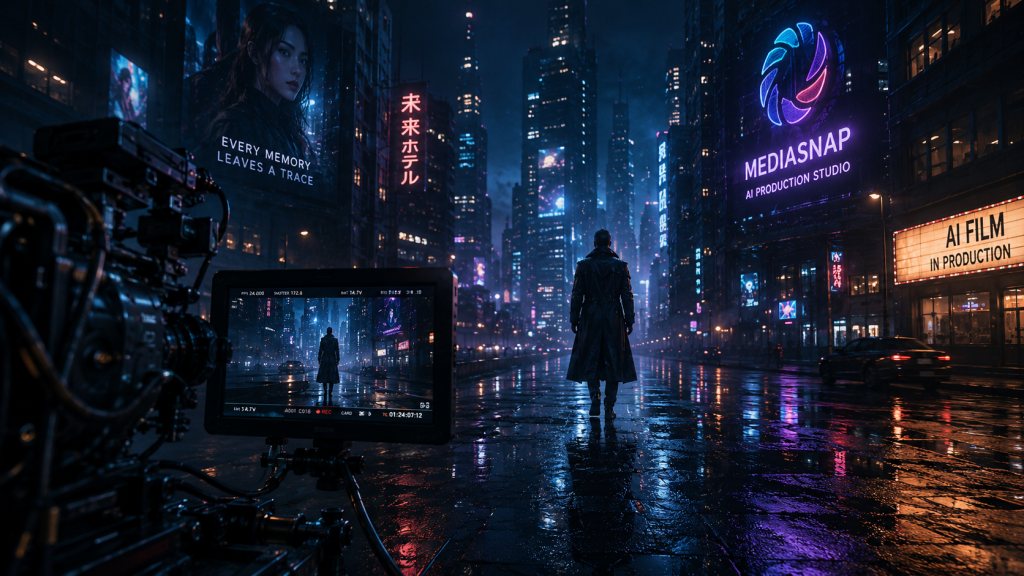
MediaSnap is an AI media production studio for films, commercials, social content, music videos, and visual stories. Organized from the first idea to the final export.
Choose a path below, or open Studio and let Snap AI help you shape the production step by step.
- No prompt chaos
- No switching tools
- No rebuilding consistency
Choose what you want to create
02
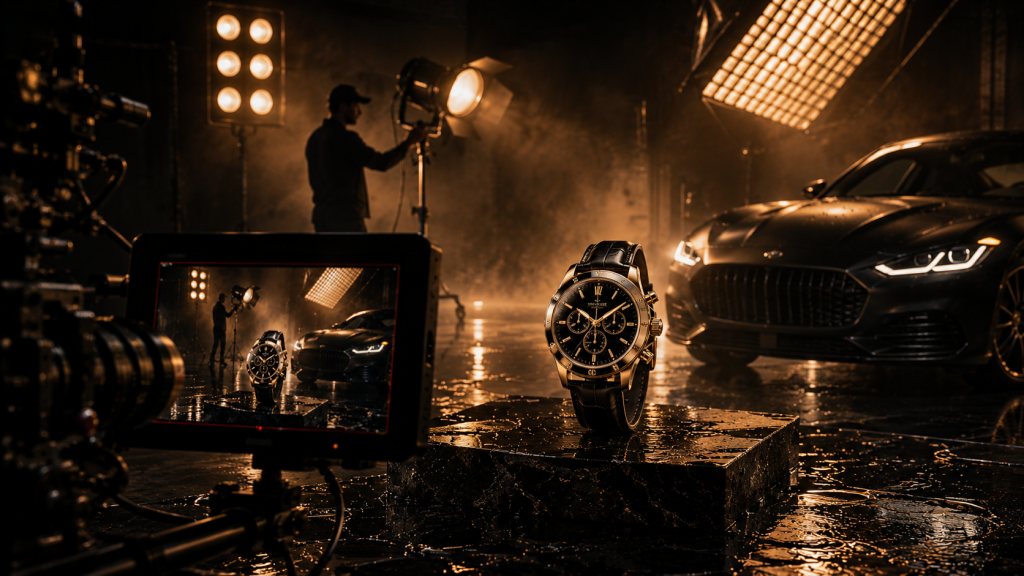
Commercials
Ship brand spots and campaign films with repeatable production packs.
- Brief
- Concept
- Scenes
- Edit
- Export
- Lock brand look with Creation Packs and references
- Plan hero scenes, supers, and VO in one project
- Keep music, pacing, and CTA end cards on the same timeline
- Deliver :15, :30, and master cuts from one parent edit
04
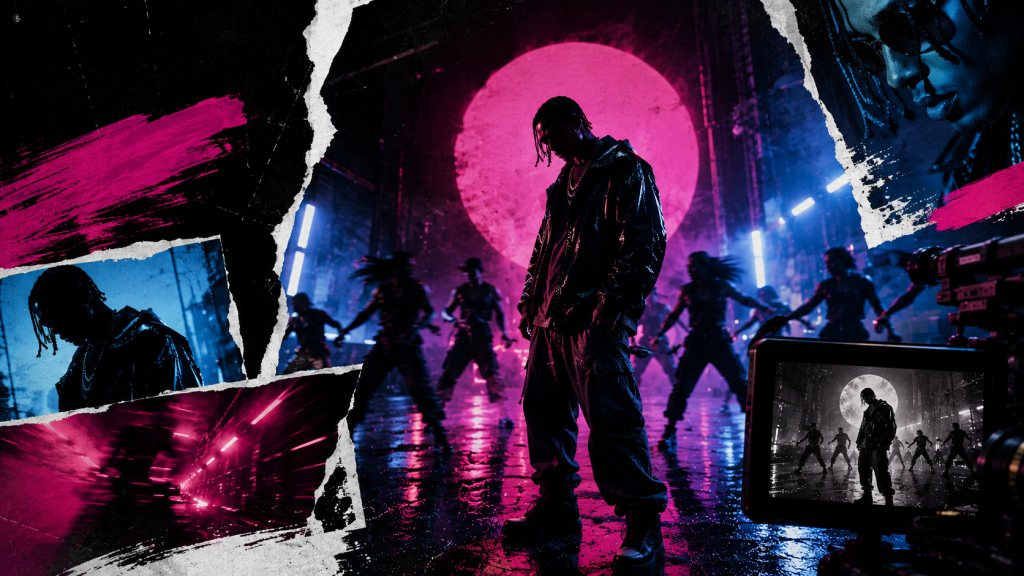
Music Videos
Visualize tracks with performance, mood, and beat-driven scenes.
- Track
- Concept
- Scenes
- Cut
- Export
- Break songs into scenes and shots tied to the beat
- Generate performance, B-roll, and visual motifs in one project
- Assemble rhythm cuts in Production Studio
- Export formats ready for release and social cutdowns
03
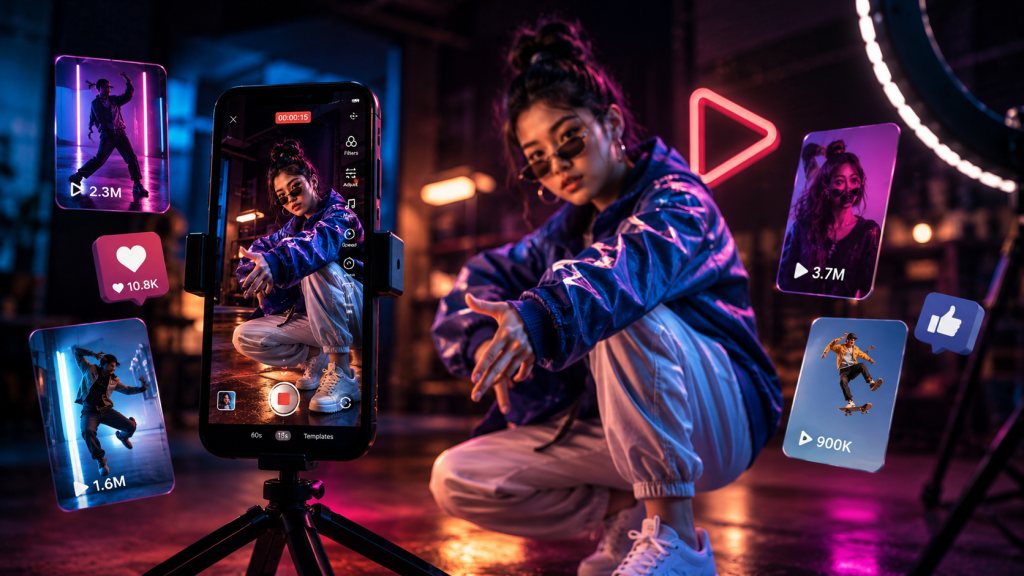
Social Content
High cadence clips with platform-native pacing and safe zones.
- Template packs for recurring series and campaigns
- Same-day swaps when headlines or offers change
- Consistent CTAs and end cards across formats
- Credits and assets stay tied to the right project
Start Creating Clips