Production Studio
Timeline Editing for Clips You Already Generated.
When rough cuts live in downloads and version names never match the project, you lose time on re-imports. MediaSnap Production Studio keeps tracks, timing, and exports tied to the same workspace as your library.
The problem
Great takes, messy assembly
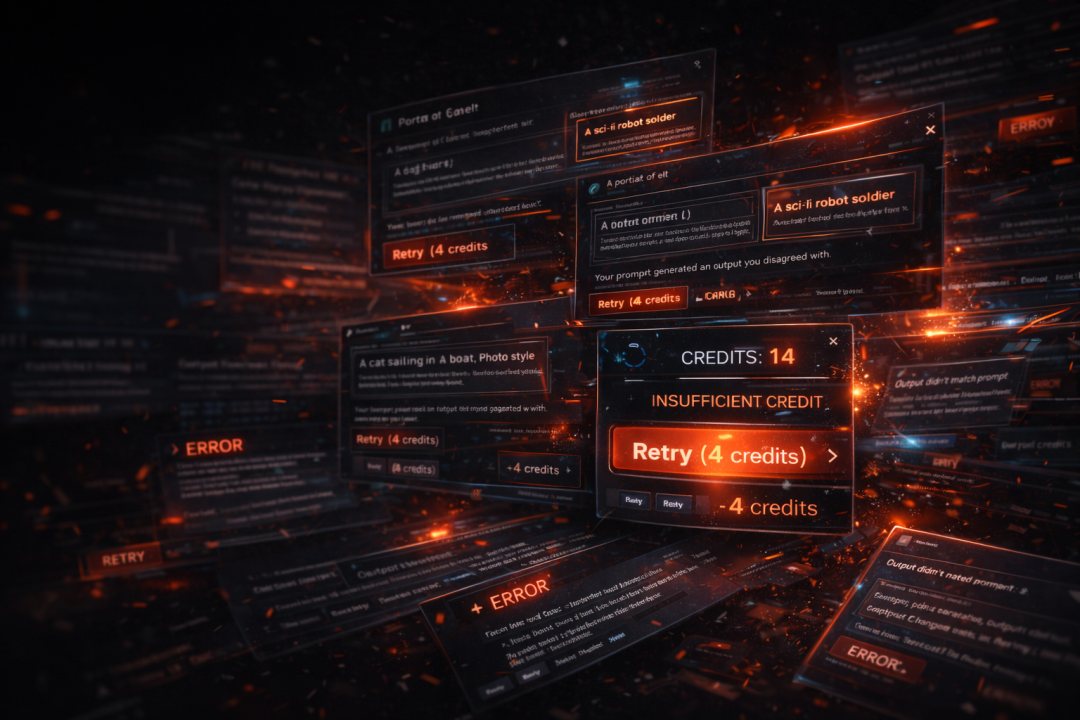
Exports pile up; the edit never stays next to the source project.
- Jumping between NLEs and AI tools breaks naming and folder structure
- Hard to line up voice, music, and B-roll to the same frame grid
- Each re-export means another round of manual file shuffling
The fix
Production Studio
A focused timeline inside MediaSnap—not a separate universe.
- Multi-track layout for video, images, and audio in one draft
- Productions carry context from the Creation Engine and your uploads
- Export paths stay aligned with what the rest of the team expects
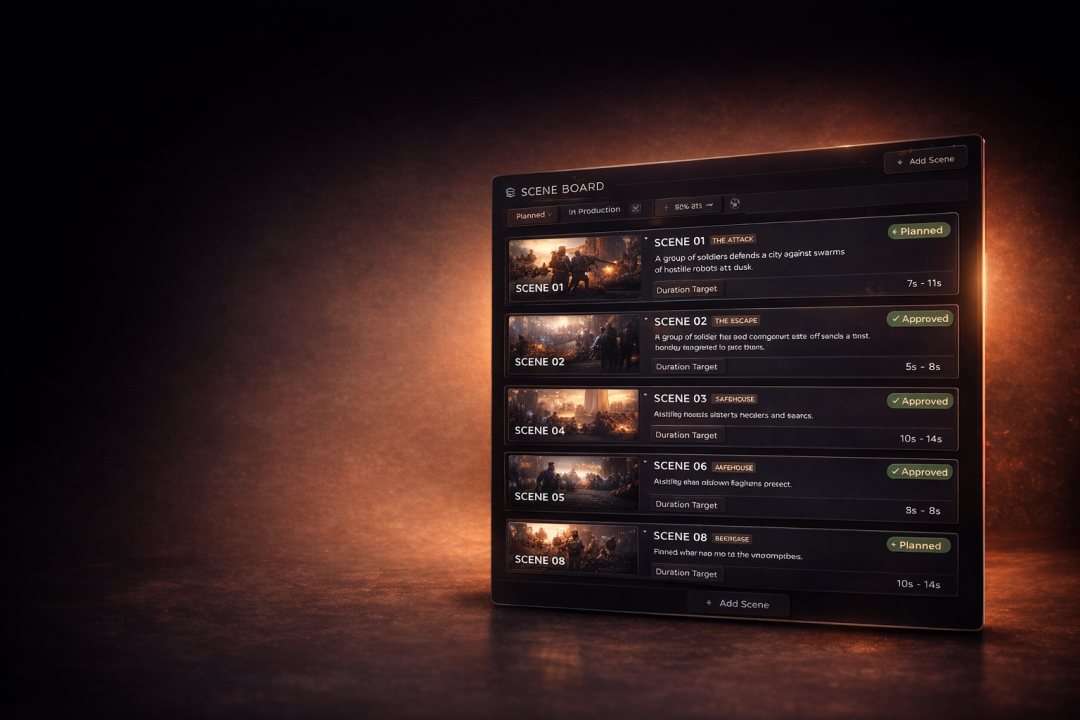
Core idea
Cut where the assets live
Trim, order, and preview without leaving the studio account.
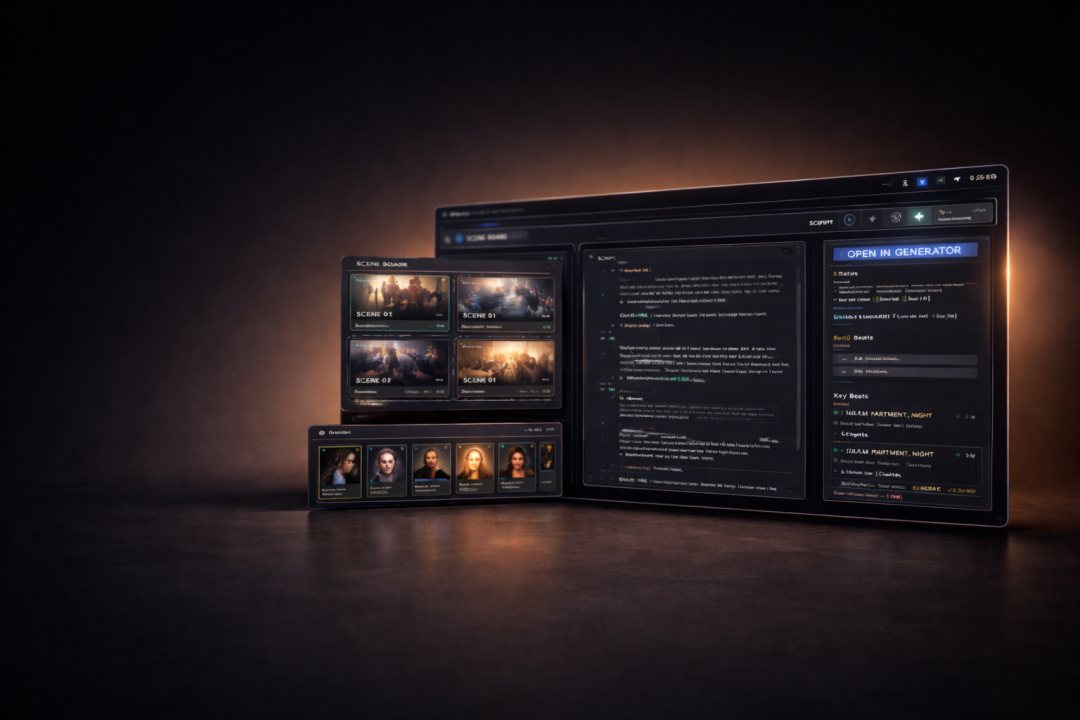
Production Studio is built for short-form and campaign edits: assemble shots, tune timing, and keep drafts saved per production so Director Studio plans and Creation Engine outputs stay on one timeline.
Inside the tool
What you get on the timeline
Practical controls for real deliverables—not a toy NLE.
Tracks
Video, stills, and audio lanes you can reorder and trim.
Timing
Frame-accurate placement against your chosen resolution and fps.
Text
Overlays and captions aligned to the same edit.
Export
Push finished cuts back into your project workflow.
Workflow
Where Production Studio sits
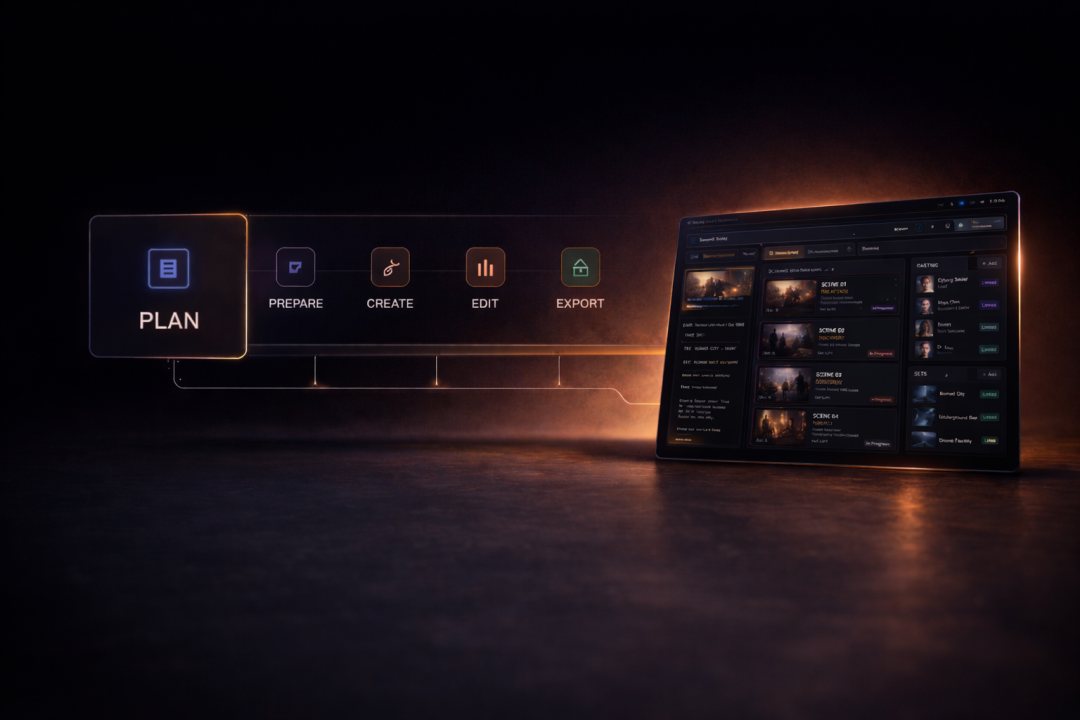
This is the Edit stage of the studio.
Plan in Director Studio, generate in the Creation Engine, organize in Productions—then assemble and export production here without re-wiring your folders.
Outcomes
Why it matters
Fewer handoffs between creation and delivery.
One chain of custody
From prompt to published cut with consistent project IDs.
Faster reviews
Stakeholders see the edit next to the same assets they approved.
Less re-work
Regenerate a shot and drop it on the same track.
Clear exports
Outputs stay labeled for downstream tools and clients.