
Generator
Image, Video, and Audio—One Flow, One Studio.
Jumping between disconnected tools means lost settings, broken references, and re-upload fatigue. MediaSnap Generator keeps models, prompts, and outputs in the same project-aware UI so you can iterate fast without leaving the canvas.
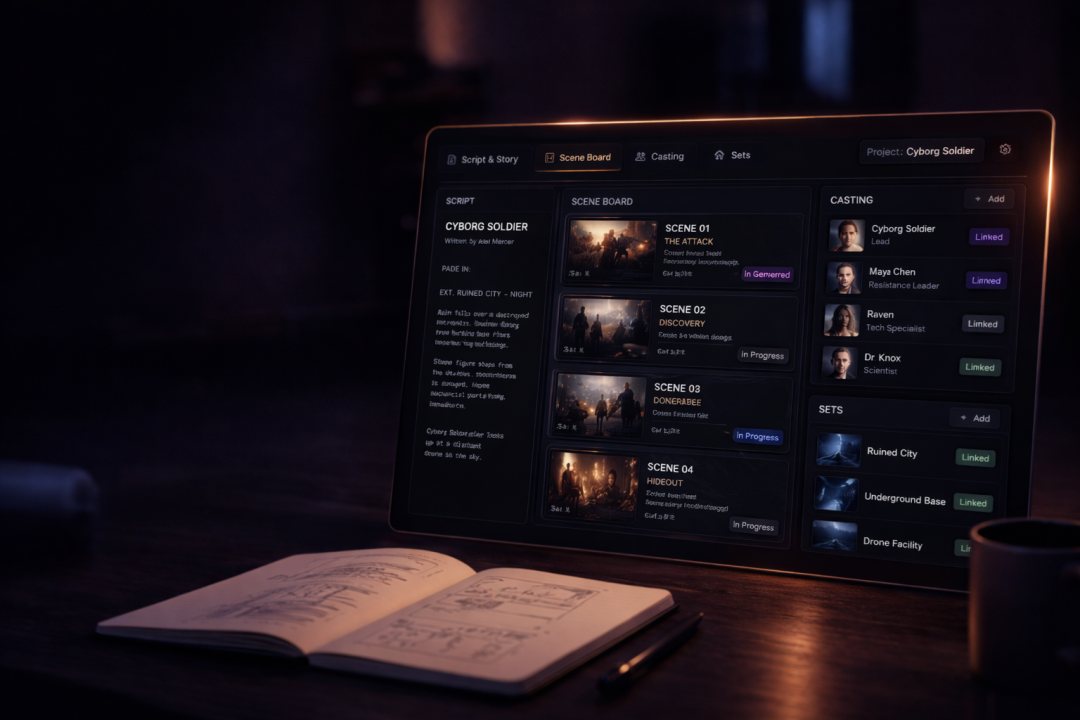
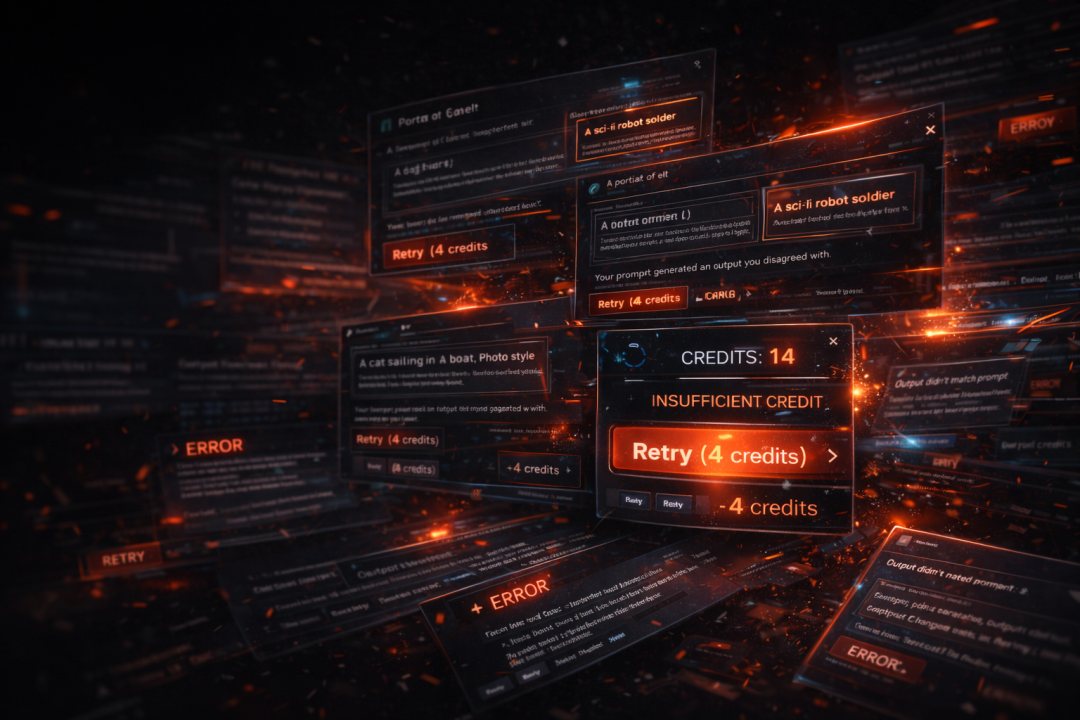
The problem
Tabs everywhere, context nowhere
Single-shot sites do not remember your production or your last model.
- Reference images and seeds scattered across downloads
- No single queue for image, video, and audio tries
- Hard to compare versions or roll back to a winning prompt
The fix
Creation Engine
One studio surface for every modality you use.
- Pick image, video, or audio flows without changing accounts
- Production context travels with you from Director Studio and the library
- Outputs land in your production so the next tool can use them immediately
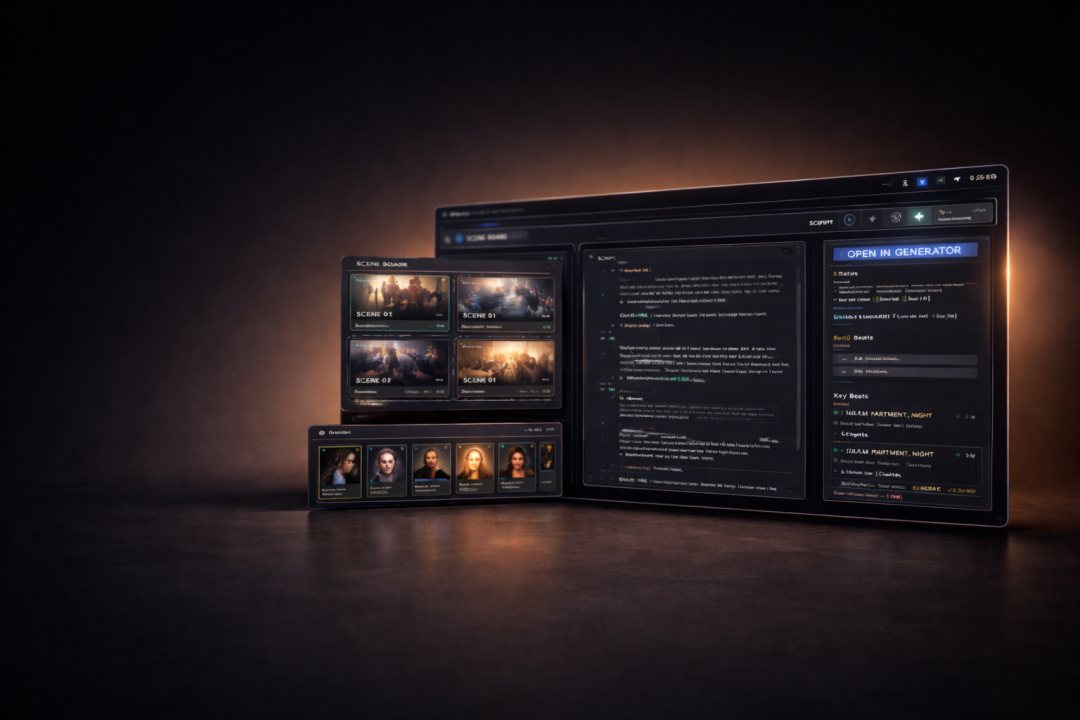
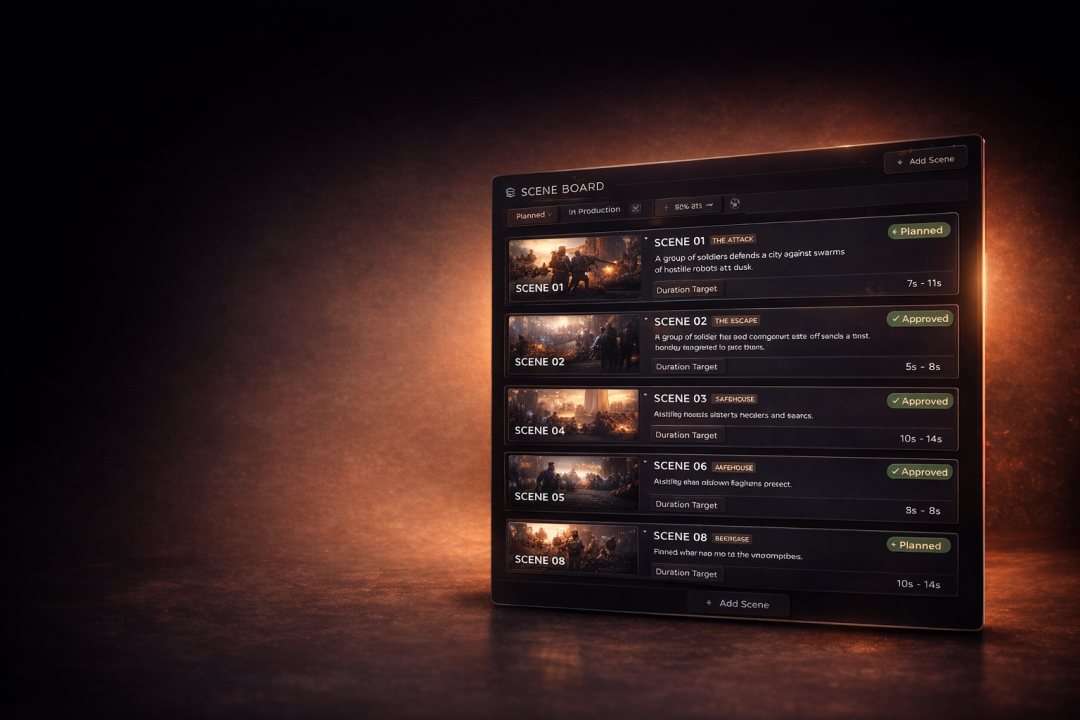
Core idea
Iterate in place
Prompt, reference, create, and refine without losing the thread.
The Creation Engine is built for long sessions: swap models, tune parameters, and keep your reference stack attached to the session. When you are done, assets are already filed under the active production.
Inside the tool
Built for production speed
What you use every day when pixels are on the clock.
Image
Text-to-image, edits, and references with model choice per run.
Video
Clips and continuations with duration and motion controls.
Audio
Speech, music, and SFX lanes aligned with the same production.
Direct tools
Specialized flows that still save back to your library.
Workflow
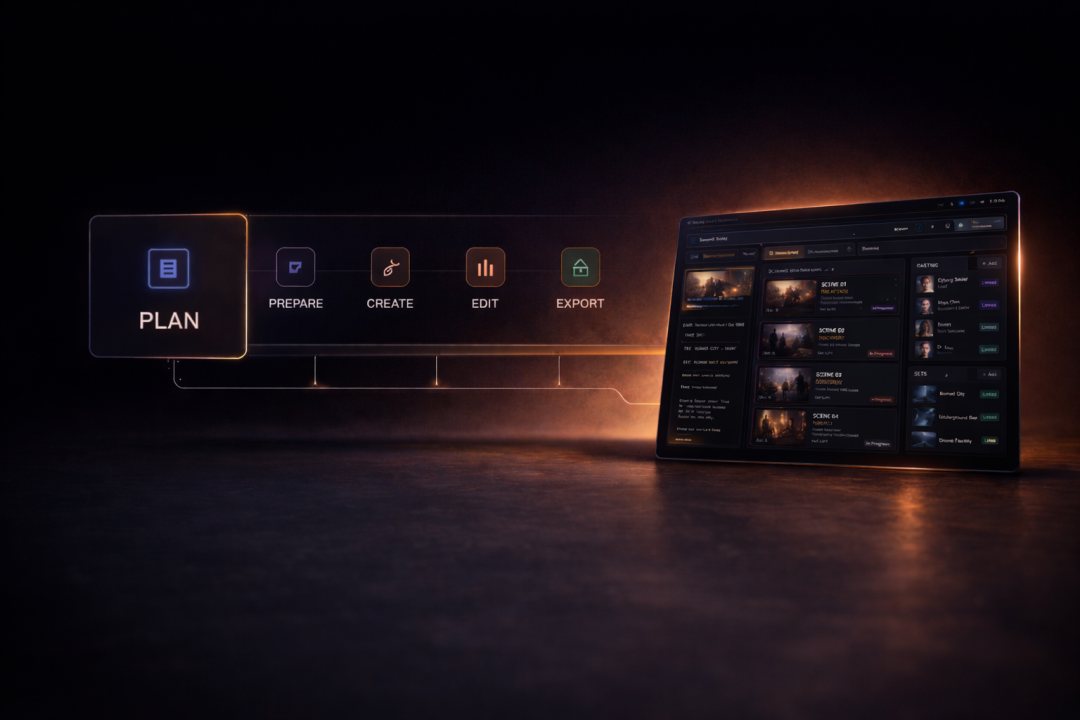
Where the Creation Engine sits
This is the Create stage of the studio.
Plan in Director Studio, organize in Productions, then generate here. When renders finish, Production Studio picks up the same files.
Outcomes
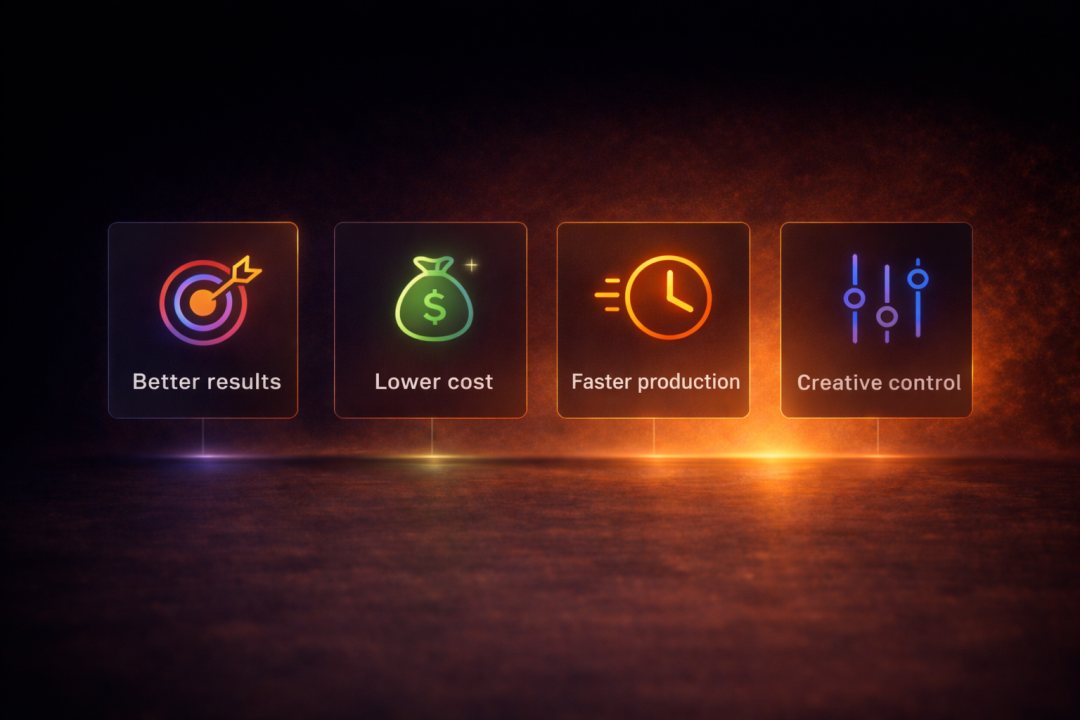
Why it matters
Less friction between idea and delivered media.
Faster iteration
Stay inside one UI for the whole loop.
Better fidelity
Models see the references you already approved.
Cleaner handoff
Files land where editors expect them.
Credit clarity
Runs are tied to the production that pays for them.

Next step
Start generating
Open the Generator in Studio with your account and project context.