
Director Studio
Design your story, define your world, and prepare your production.
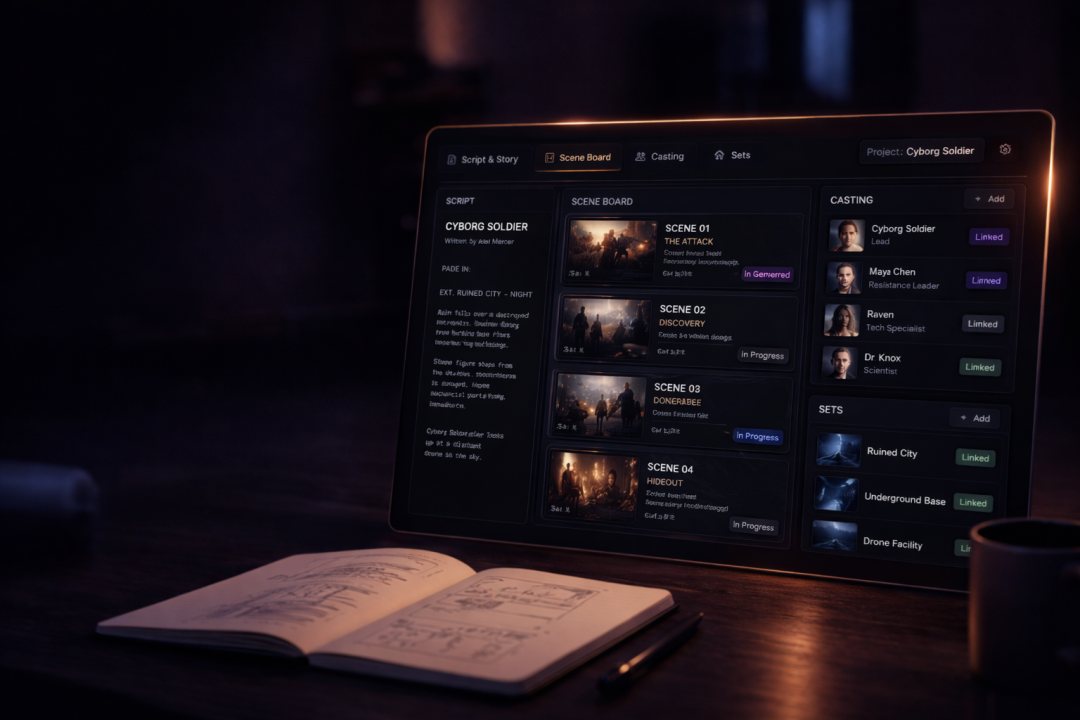
Most AI workflows push you into one-off shots with no plan—drifting cast, broken continuity, and wasted credits. Director Studio is the plan stage: write or smart-generate your story, break it into scenes, define cast, locations, and sound for consistency, then generate in the Creation Engine with context intact.
The problem
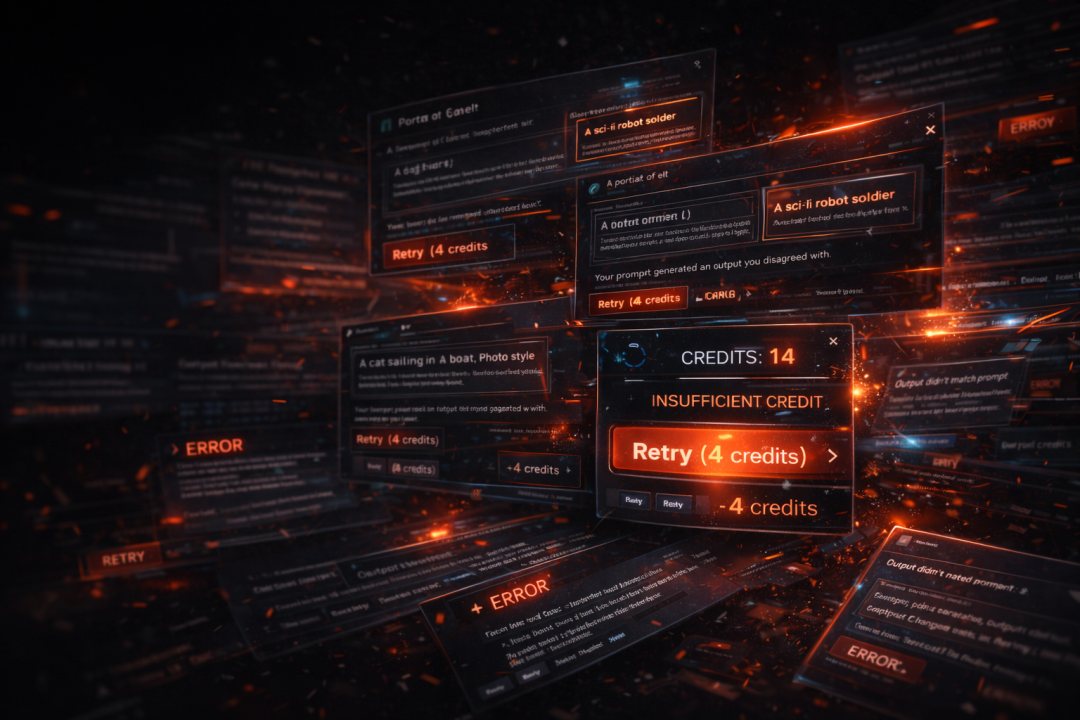
Typical AI tools
Random prompts, drifting identity, wasted credits.
- One-off directions that drift shot to shot
- No shared bible for cast, locations, or time
- Re-rolls burn budget before you have a plan
The fix
Director Studio
Define first, generate on purpose.
- Story and scene structure before you spend on pixels
- One production holds story, scenes, production settings, Universe, and distribution links
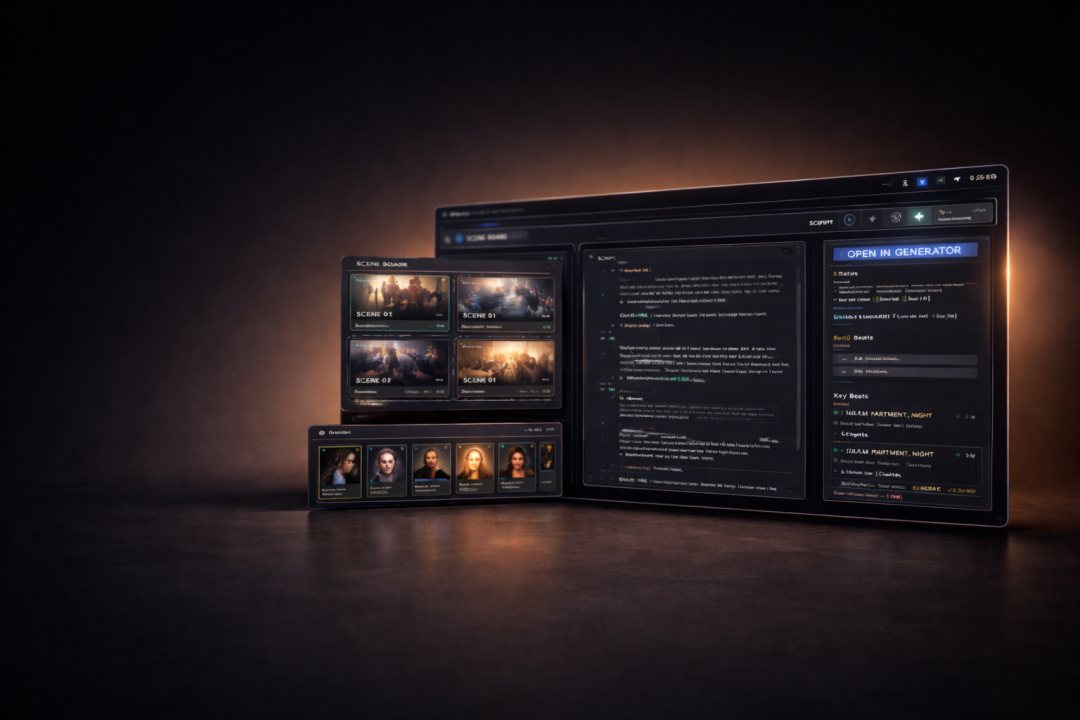
- Open any scene in the Creation Engine with full context preserved
Core idea
Think like a director, not a prompter
Structured scene-based planning—not direction roulette.
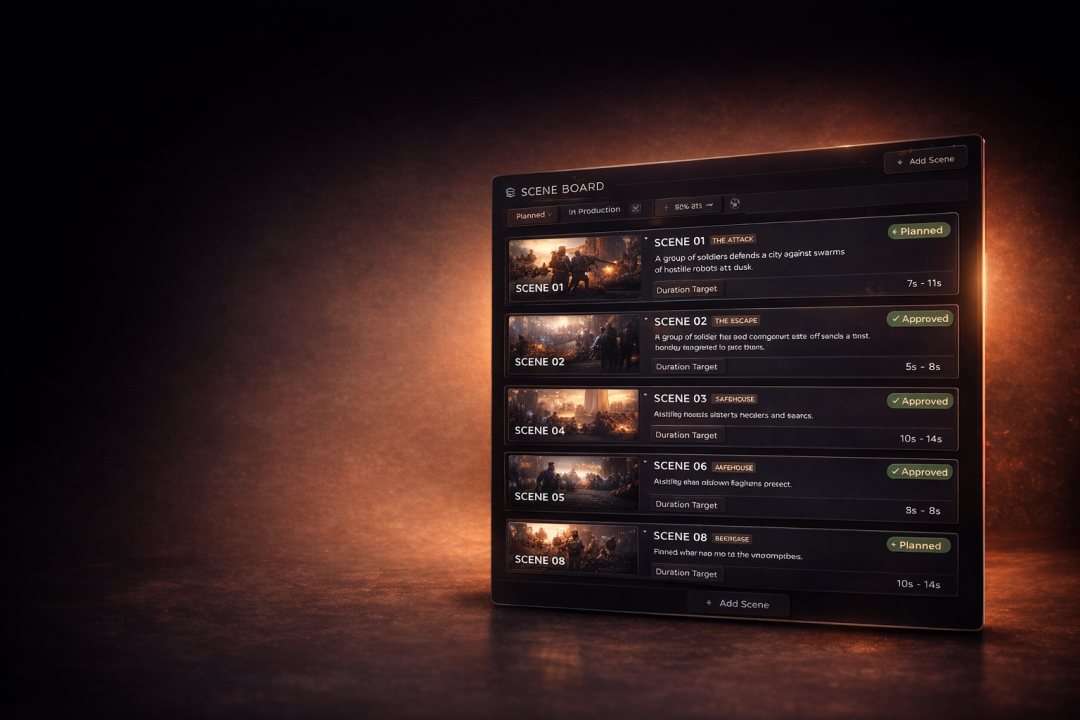
Scene-based planning turns your production into ordered beats—titles, summaries, duration targets, and status—so AI work follows a schedule instead of a mood board.
Inside Director Studio
Plan every layer
Four pillars of production planning.
Story
Narrative attached to the production as the source of truth.
Scene Board
Ordered scenes with titles, summaries, and direction.
Cast
Define cast consistency and link references to scenes.
Locations
Define locations and link them across scenes.

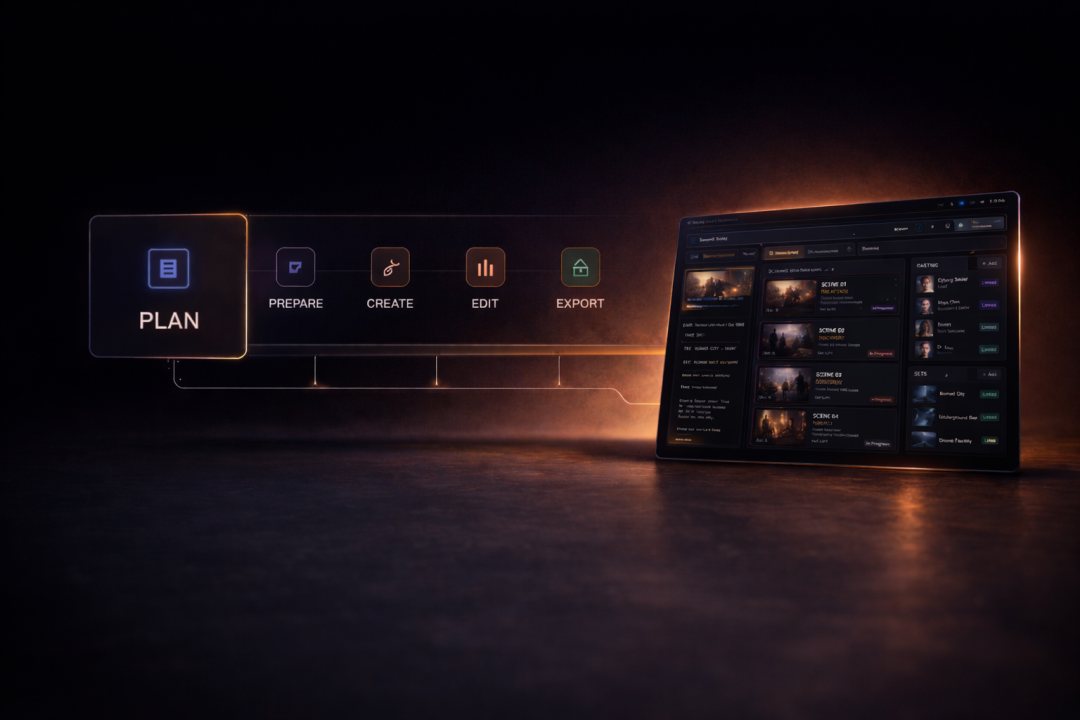
Workflow
Where you sit in the pipeline
Director Studio is the plan & prepare stage: Director Studio → Creation Engine → Production Studio → Distribution.
MediaSnap is an AI production platform: plan in Director Studio, generate in the Creation Engine, assemble in Production Studio, then publish from Distribution.
Outcomes
Why it matters
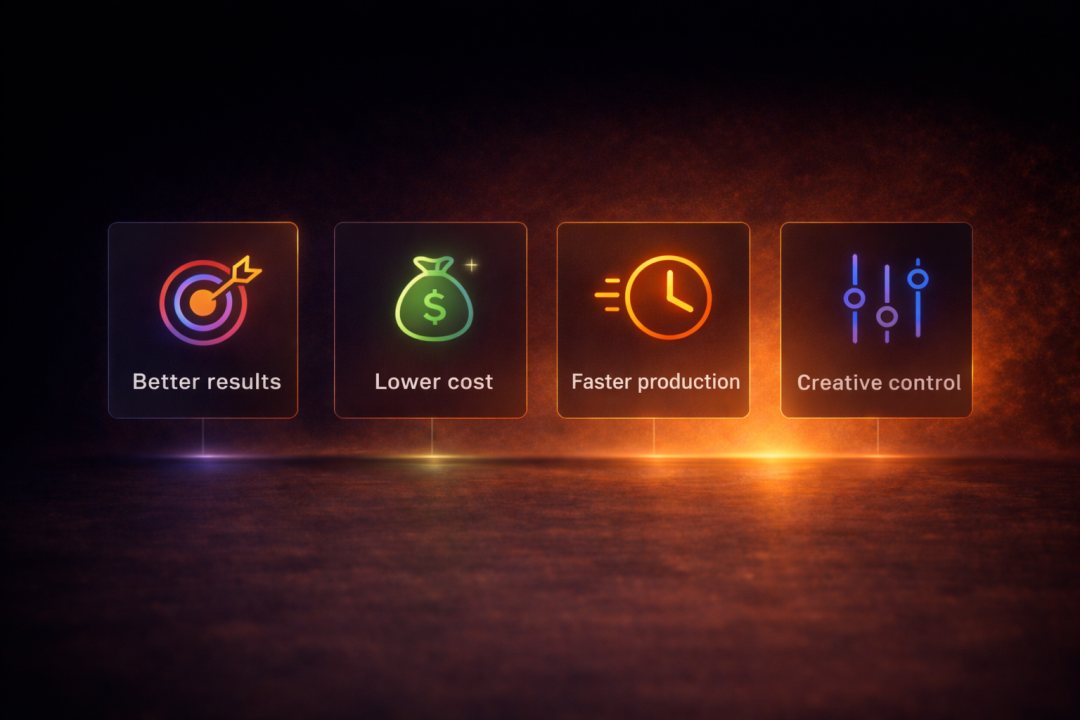
Planning pays back in quality, cost, speed, and control.
Better results
Continuity instead of isolated luck.
Lower cost
Fewer throwaway runs.
Faster production
Status and timing keep order.
Creative control
You steer the system; models execute inside it.

Next step
Start Directing Your First Production
Start in Director Studio, generate in the Creation Engine, and assemble in Production Studio—same production, end to end.